Associated accounts
DO NOT SHARE WITH USERS/CUSTOMERS – INTERNAL USE ONLY
(this feature is not readily available to customers, that is why this resource is placed with internal guides.)
Some companies have multiple accounts in the ProductIP platform and share technical files between those accounts.
By default, sharing technical files shields supplier information from the recipient.
In case of sharing between accounts that are related to each other, this is an unwanted restriction.
That is where the associated accounts functionality comes in.
Accounts can be associated by setting one account as the parent of other (related) accounts.
We’ve done this already for Action and the PLA accounts:
The Action Service & Distributie BV account has been set as the parent of:
- Team Action at TÜV SÜD
- Team Action at TÜV Rheinland
- Team Action at Intertek
- Team Action at Bureau Veritas
These four accounts are PLA accounts that work only for Action.
Action and the PLA accounts are now associated because Action is their parent and the PLA accounts are now also associated with each other, because they are siblings (they have the same parent).
Differences for associated accounts:
When sharing a technical file to an associated account, the recipient will be able to:
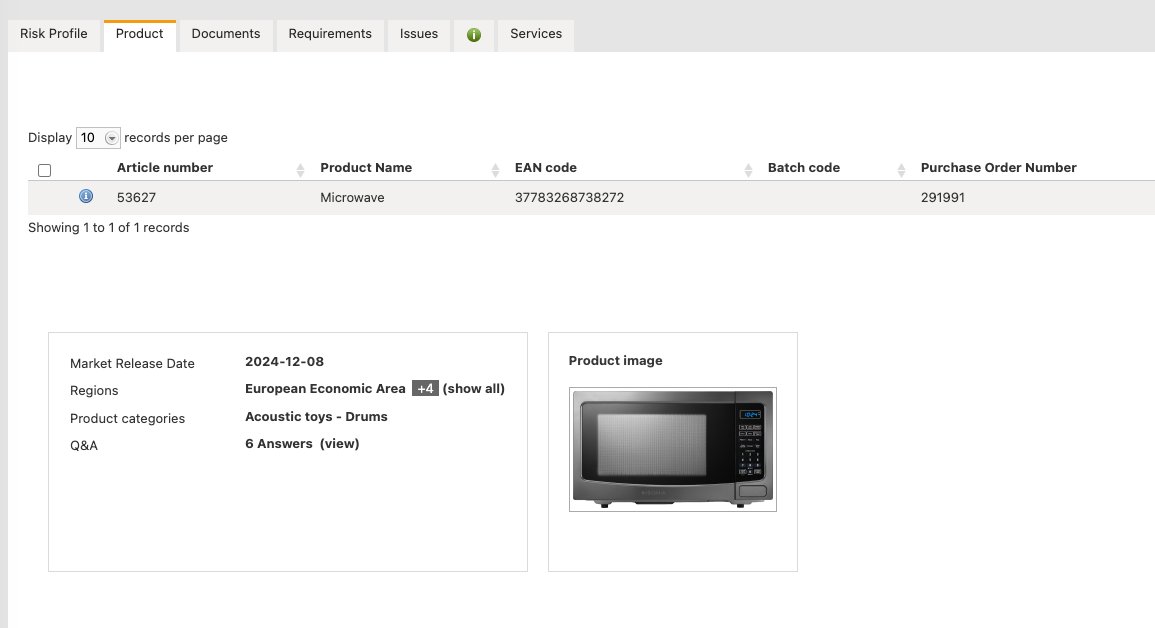
- See the tags and the supplier information of the original file on the product tab
- Use the supplier information of the original file when cloning the shared technical file
If a technical file is shared with an account that is not associated, the supplier information and tags are still shielded of from the recipient as before.
Shared with an account that is not associated:
Cloning shows sender account as supplier

Shared with an associated account:

Cloning shows actual supplier information

Was this article helpful?
